How to Implement Software Licensing in Python
If you sell a Python application or software package, you may need to restrict access to licensed customers and control which features each customer can use.
A Python license key system can handle this by validating a license before allowing access to your application or specific functionality. Depending on your product, the same licensing system can also manage subscriptions, feature entitlements, activations, and offline use.
This guide shows how to implement software licensing in Python using Devolens, including the basic code required to activate and verify a license.
What Does Software Licensing Code for Python Need to Do?
At its simplest, software licensing code checks whether a customer has a valid license before allowing the application or a particular feature to run.
A typical licensing flow looks like this:
- The customer receives a license key.
- Your Python application receives the key.
- The application sends the key and relevant product information to the licensing system.
- The licensing system verifies the license.
- Your application uses the result to determine what the customer can access.
The important part is how this check is integrated into your application. You might validate a license when the application starts, when a customer activates the product, or before enabling a licensed feature.
For a broader explanation of how licensing systems work, see our guide to how software licensing works.
Using a Python Licensing SDK
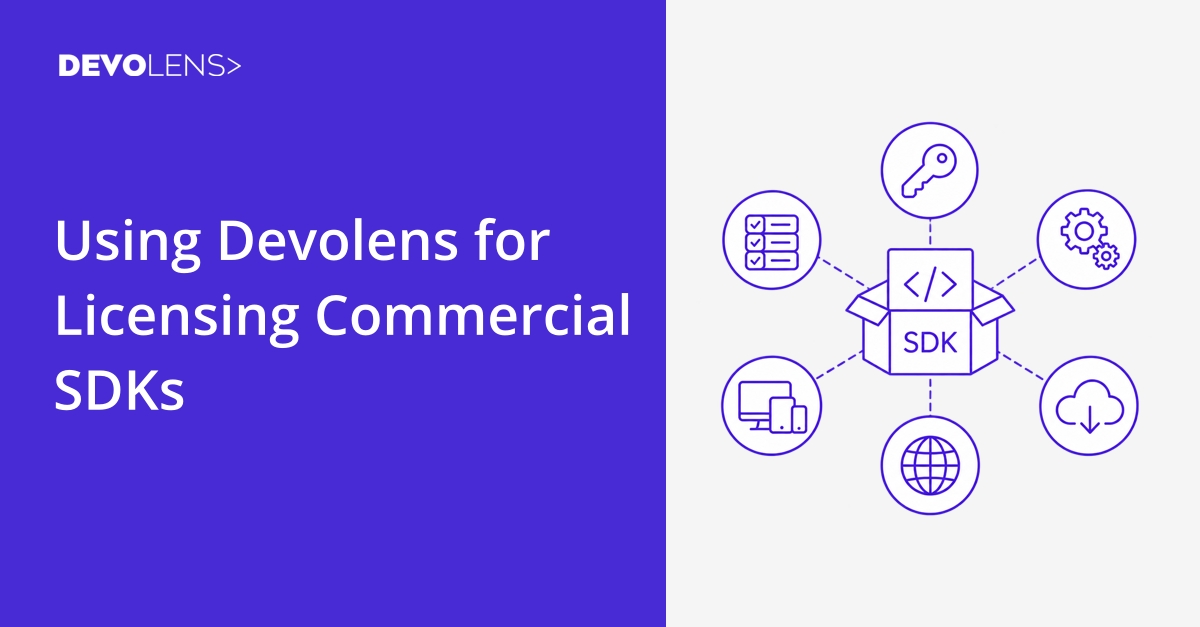
You can communicate with a licensing API directly from Python, but an SDK provides the methods and models needed to integrate licensing into your application without implementing the API communication yourself.
Devolens provides a Python SDK that can be used for license key activation and verification. The SDK exposes methods for communicating with the licensing service and working with the returned license information.
After installing the Python SDK, you can import the relevant classes into your application:
from licensing.helpers import Helpers
from licensing.methods import Key
You will also need the values associated with your Devolens product:
- An access token with permission to activate licenses
- The product ID
- The license key supplied to the customer
- A machine code if your licensing model uses machine binding
These values identify the licensing request and determine which product and license are being checked.
Implement License Verification in Python
Once the SDK is installed, you can activate a license using Key.activate.
A basic example looks like this:
from licensing.helpers import Helpers
from licensing.methods import Key

RSAPubKey = "YOUR_RSA_PUBLIC_KEY"
auth = "YOUR_ACCESS_TOKEN"

result = Key.activate(
    token=auth,
    rsa_pub_key=RSAPubKey,
    product_id=1234,
    key="AAAAA-BBBBB-CCCCC-DDDDD",
    machine_code=Helpers.GetMachineCode(v=2)
)

if result[0] is None:
    print("License is invalid or could not be activated.")
else:
    print("License is valid.")
The example uses placeholder values. Your application should use the access token, product ID, RSA public key, and license key belonging to your own Devolens account.
The activation response can then be used to determine whether the license was successfully activated. The current Python examples use Key.activate and check whether the returned result contains a license or an error.
For more detailed examples and information about implementing licensing as part of your application architecture, see our guide to implementing a software licensing system.

Enforce Features and Entitlements
Verifying a license is only the first part of a Python licensing implementation. Your application also needs to use the license information to control what the customer can access.
For example, you could make a feature available only when the corresponding license entitlement is present:
if license.F1:
    run_premium_feature()
else:
    print("This feature requires a valid license.")
The exact implementation depends on how you structure your product. A license might control access to an entire application, individual features, usage limits, or different editions of the same product.
This approach also means that changing a customer's license does not necessarily require distributing a new version of your Python application. The application can use the current license information to determine which functionality is available.
Choosing a Machine Code for Python Applications
Some licensing models restrict a license to a particular device or installation. In that case, your Python application needs to provide a machine code when activating the license.
The Devolens Python examples use Helpers.GetMachineCode(v=2) to obtain a machine code for the current environment.
Machine binding can be useful when you want to limit the number of installations associated with a license. It is important to choose an approach that fits your deployment environment, however. If the underlying identifier changes during a normal server migration or system change, a legitimate customer may need to activate the application again.
For applications where customers regularly move installations between machines, you may want a licensing model that does not rely heavily on a fixed machine identifier.
Handling Licensing in Production
A production Python licensing implementation usually needs to account for more than the initial license check.
For example, you may need to decide:
- When the application should check the license
- What should happen if the licensing service cannot be reached
- How subscription expiry should affect access
- How license entitlements map to application functionality
- How activations are handled when customers change machines
- Whether the application needs to operate without an internet connection
These decisions are part of the licensing architecture rather than Python specific syntax.
If your application needs to work in a disconnected or air gapped environment, Devolens supports offline licensing using signed license files.
A Practical Approach to Python Software Licensing
The code required for a basic Python license key system can be relatively small. The larger consideration is how licensing fits into the application as the product and customer base grow.
Keeping the licensing check separate from the core application logic makes it easier to change licensing rules later. For example, you can use the returned license information to control features without placing licensing specific logic throughout the application.
It is also worth considering how licenses will be created, activated, renewed, and updated outside the application. Those processes often become more important as a product moves from a small number of customers to a larger commercial deployment.
Devolens provides the licensing infrastructure for these workflows, while the Python application remains responsible for enforcing the resulting entitlements.
Conclusion
Implementing software licensing in Python can start with a small amount of code. The basic flow is to obtain a license key, activate it through the licensing system, and use the returned license information to control access to your application and its features.
From there, the same licensing integration can support different licensing models, machine binding, feature entitlements, subscriptions, and offline deployments.
For a complete implementation, the important part is not only verifying that a license exists. It is designing the licensing checks so they fit cleanly into the application and remain manageable as your product and licensing requirements evolve.
Get Started with Devolens
Deploy licensing with a leading software licensing provider without long implementation cycles or added operational overhead.