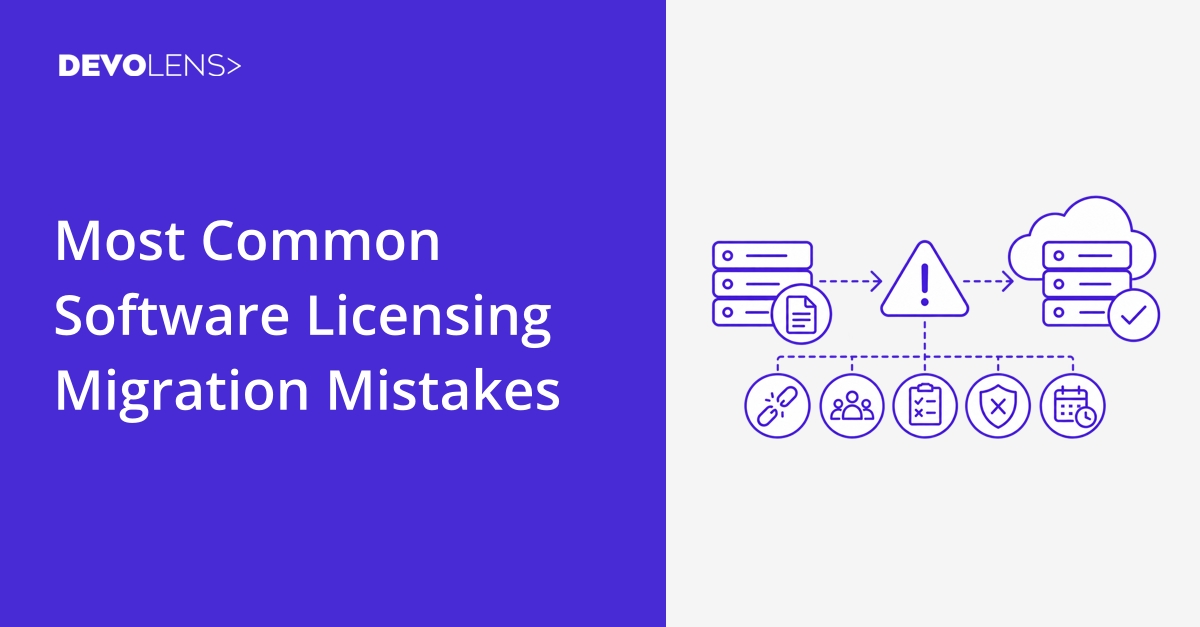
The Most Common Software Licensing Migration Mistakes
Replacing an existing software licensing system can improve flexibility, reduce maintenance work, and make it easier to support new licensing models. It can also introduce significant risk if the migration is treated as a simple technical replacement.
Licensing is closely connected to how customers access software, how entitlements are enforced, and how revenue is managed. A migration therefore needs to consider both the technical implementation and the impact on existing customers.
Here are some of the most common mistakes to avoid.
Treating the Migration as a Simple API Replacement
One common mistake is assuming that the migration only involves replacing calls to one licensing API with calls to another.
Existing licensing systems often contain years of accumulated business logic. License types, activation rules, expiration behavior, feature entitlements, customer records, and administrative workflows may all depend on the existing system.
Before starting the implementation, document how licensing currently works and identify which parts need to be reproduced, changed, or removed.
A useful starting point is to review how to choose the right software licensing provider, particularly the requirements that need to remain supported after the migration.
Overlooking Existing License Data
Existing licenses often represent important customer relationships.
Simply creating new licenses in the replacement system without understanding the existing data can result in incorrect expiration dates, missing entitlements, duplicate activations, or customers losing access to functionality they previously purchased.
Create a clear mapping between the old and new licensing structures before moving production customers.
This should include:
- License identifiers
- Products and features
- Expiration dates
- Activation limits
- Customer information
- Licensing models
- Relevant metadata
Where possible, automate the transformation and transfer of this data rather than relying on manual recreation.
Migrating Everything at Once
A large, immediate migration can make problems much harder to isolate.
If every customer and product is moved simultaneously, a problem with the new licensing system can affect the entire customer base before the underlying issue is understood.
A staged migration provides a safer alternative. Start with a development environment, then validate the implementation with selected customers or products before expanding the rollout.
This also makes it possible to compare the old and new licensing behavior while both systems are still available.

Failing to Test Real Customer Scenarios
Testing only the successful activation path is rarely enough.
A production licensing system needs to handle situations such as expired licenses, changed machines, invalid keys, missing connectivity, upgraded products, and customers with different entitlements.
Testing should therefore include the licensing scenarios that actually occur in production.
Offline environments deserve particular attention. If customers need to operate without continuous Internet access, the migration needs to preserve that capability. Devolens supports offline licensing using signed license files as well as centralized deployments using the Devolens License Server.
Ignoring Security During the Migration
A migration is also an opportunity to review how licensing information is protected.
Moving license data between systems should be handled securely, and applications should not be given more access to licensing infrastructure than they require.
The migration should also account for how license information is validated by the application and how sensitive customer or licensing data is handled.
Security should therefore be part of the migration plan rather than something reviewed after the new system has already been deployed.
Forgetting the Operational Workflows
Licensing is rarely managed entirely inside the application.
Customer purchases, subscription changes, renewals, cancellations, support processes, and internal administration may all interact with the licensing system.
If these workflows are not included in the migration, the new system may work technically while still creating significant manual work for the team.
For example, a subscription renewal should ideally update the corresponding license automatically rather than requiring someone to make the change manually. License automation can connect licensing with billing systems, customer portals, CRM systems, and other internal workflows.
Changing Licensing Behavior Without Planning for Customers
A technically correct migration can still create customer problems if licensing behavior changes unexpectedly.
Customers may have bookmarked activation instructions, automated license provisioning in their deployment process, or built internal workflows around the existing system.
Before changing the licensing infrastructure, identify anything customers depend on and determine whether it needs to remain compatible during the transition.
Clear communication can also be important when activation procedures, license keys, or deployment requirements change.
Not Having a Rollback Plan
Even a well tested migration can encounter unexpected issues after deployment.
A rollback plan should therefore be defined before moving production customers. This does not necessarily mean maintaining two complete systems indefinitely, but the team should know what happens if the new licensing implementation needs to be temporarily disabled.
A staged migration makes this considerably easier because the existing system can remain available while the new implementation is validated.
Making the Migration Larger Than Necessary
Another mistake is using the migration as an opportunity to redesign every part of the licensing architecture at the same time.
There may be good reasons to change licensing models, improve automation, or restructure entitlements, but combining too many changes makes the migration harder to test and troubleshoot.
A more controlled approach is to first reproduce the required licensing behavior, validate the migration, and then introduce additional improvements once the new system is stable.
A More Controlled Approach to Licensing Migration
A licensing migration does not have to be disruptive.
A practical process is to:
- Document the existing licensing architecture and customer requirements.
- Map existing licenses and entitlements to the new system.
- Implement and test the new integration without affecting production customers.
- Validate the most important customer and deployment scenarios.
- Migrate a limited group of customers or products.
- Monitor the results and resolve issues.
- Expand the migration progressively.
For teams that need additional assistance, Devolens also provides professional services for licensing implementation and migration, including hands-on migration support and proof of concept development.
The goal is not simply to replace one licensing API with another. A successful migration preserves the licensing behavior customers depend on while creating a stronger foundation for future products, licensing models, and deployment environments.
Get Started with Devolens
Deploy licensing with a leading software licensing provider without long implementation cycles or added operational overhead.